Why Most Contractors Have No Idea If Google Ads Are Working
Here's a scary stat: over 60% of contractors running Google Ads can't tell you their cost per lead. They know they're spending money. They think they're getting calls. But they have no system connecting ad spend to actual revenue. That changes today.
Step 1: Set Up Google Ads Conversion Tracking
Google Ads has built-in conversion tracking — but it's not set up by default. You need to define what counts as a conversion (phone call, form submission, chat message) and install tracking code on your website. This tells Google which clicks turned into leads.
Step 2: Implement Call Tracking
Phone calls are the #1 lead source for most contractors. Use a call tracking service that assigns unique phone numbers to each ad campaign. This lets you see exactly which keywords and ads generated each call. Pro tip: record calls so you can also measure lead quality, not just volume.
Step 3: Track Form Submissions
Every form on your website — contact forms, quote requests, scheduling forms — needs to fire a conversion event when submitted. Set up thank-you pages or event-based tracking so Google Ads knows when a form submission came from an ad click.
Ready to Grow Your Business?
Get a free marketing audit tailored to your trade and market.
Free Marketing AuditStep 4: Connect the Dots with a CRM
The real magic happens when you connect your ad data to your CRM. Track leads from first click to booked job. Now you don't just know your cost per lead — you know your cost per booked job, your average revenue per ad-generated customer, and your true ROI.
Step 5: Build a Reporting Dashboard
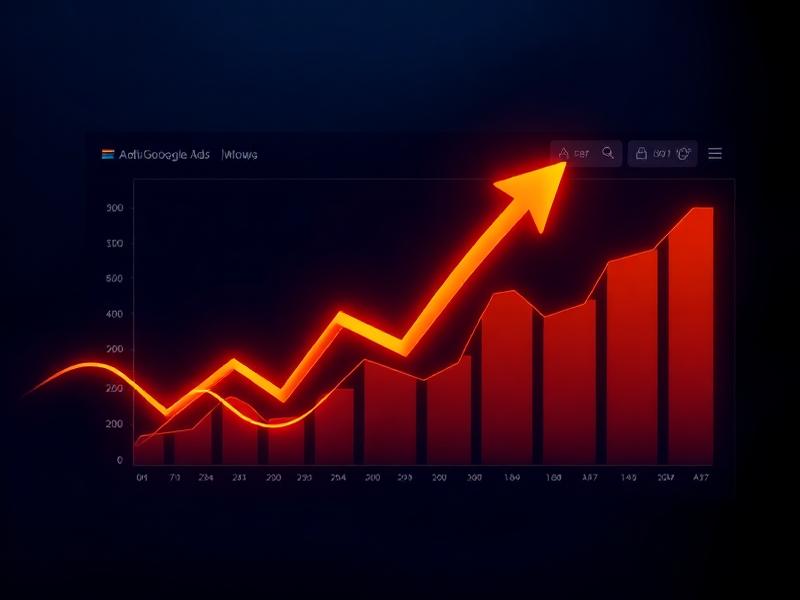
Create a simple dashboard that shows the metrics that matter: ad spend, leads generated, cost per lead, booked jobs, and revenue from ad leads. Review this weekly and make data-driven decisions about budget allocation. If tracking feels overwhelming, our PPC management services include complete conversion tracking setup and transparent reporting. We also integrate with your SEO strategy for a full picture of your digital marketing performance.